 Placit for Instagram
Instagram posts in seconds, when your followers are on.
Take a photo and Placit writes the caption and hashtags the way you already write on Instagram. Tap Approve and it goes up on your feed and Story at the time your followers are most active.
 Instagram
 Facebook
 Google
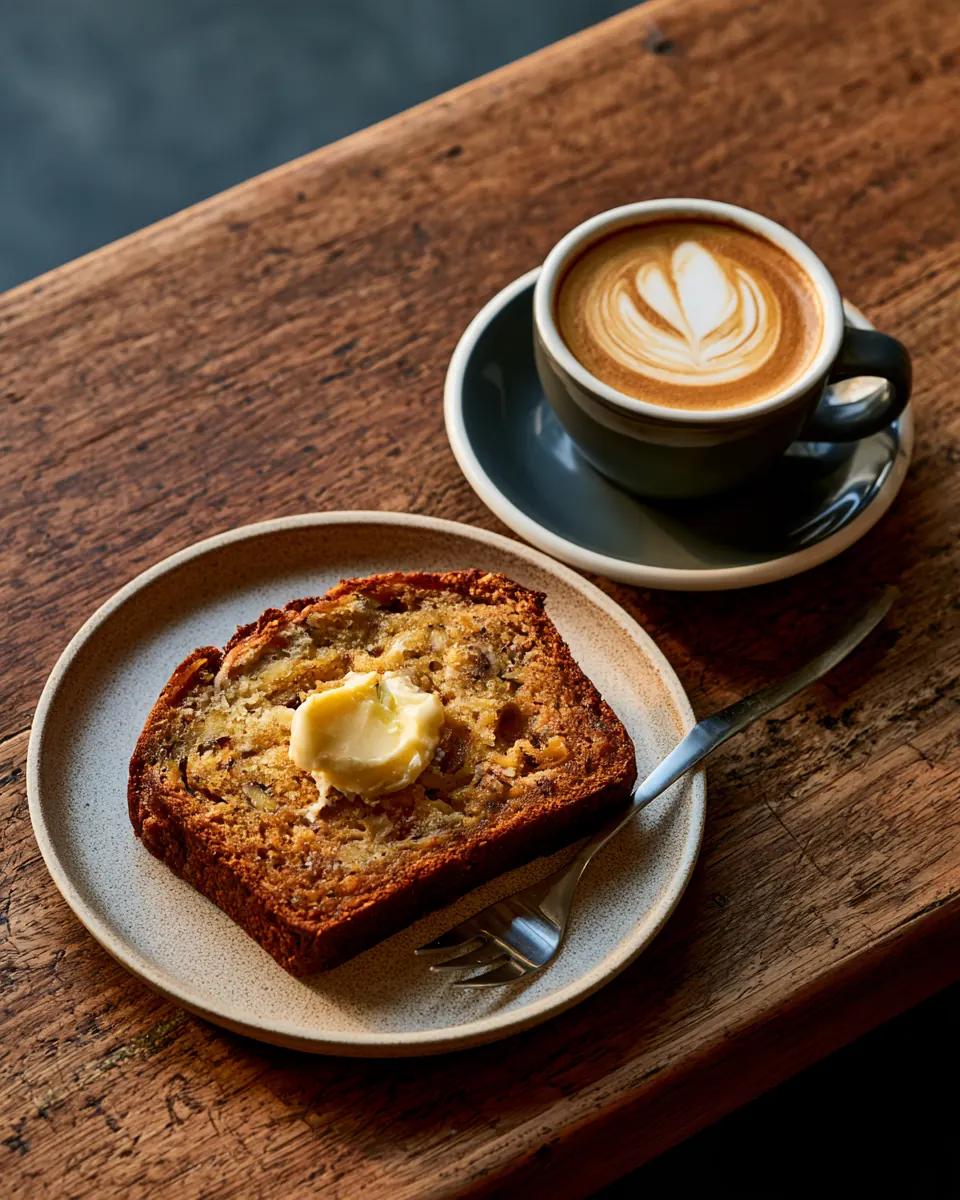
Banana bread, fresh out of the oven. Grab a slice with your flat white while it lasts.
#bananabread #brisbanecafe #flatwhite
Nothing posts till you say so
Pick your colour. Every Placit is yours.
The photo is easy. Everything after it isn't.
You've got a great shot on your phone. Then comes the caption, the hashtags, deciding whether it's good enough, and picking a time. By then a customer's waiting and the post never happens.
Accounts that post regularly stay in front of their followers. Placit makes regular possible by turning each photo into a finished Instagram post in a few seconds.
What Placit does on Instagram.
Feed and Story from one photo
One approval puts it on your feed and your Story. No posting twice.
Captions that sound like your account
Placit reads your past posts to learn your length, tone, emoji and sign-offs, then writes the same way.
Hashtags that fit
A short set based on the photo and the tags you already use, including local ones.
Posted at your peak
Placit reads your Instagram insights and posts when your followers are online.
See it before it's live
The preview shows the photo and caption as they'll appear. Nothing posts till you approve it.
Facebook and Google too
The same approval can post to your Facebook Page and Google Business Profile, each at its own time.
Best time to post on Instagram
Your followers have a peak. Placit finds it.
Every account is different. A café's followers might peak after work, a gym's before 7am. Placit uses your own Instagram insights, so it posts when your followers are actually there.
InstagramFollowers online, by hourExample audience for a café. Placit uses your own numbers once your account is connected.
What you'll need.
- An Instagram professional account (Business or Creator). It's free to switch.
- Your phone or computer. Placit runs in the browser and can be added to your home screen.
- Photos of your business. Real ones from the counter, the chair or the job work best.
Questions.
Do I need an Instagram business account?
You need an Instagram professional account, either Business or Creator. Switching is free and takes a minute in the Instagram app settings.
Does Placit post to Instagram Stories?
Yes. The same photo can go to your feed and your Story. Story is on by default.
How does Placit choose hashtags?
It looks at the hashtags you already use and what's in the photo, then adds a short set that fits. No walls of thirty tags.
Can I change the caption before it posts?
Yes. You see the full post first. Hold the caption to fix a detail, or tap a tile to add a price or time. Nothing posts till you tap Approve.
Does Placit post Reels?
Video is coming next. Hold the shutter for a clip of up to 30 seconds and Placit will post it as a Reel.
Does Placit need my Instagram password?
No. You log in through Instagram's own screen and Placit never sees or stores your password. You can disconnect any time.
Become a founding member.
Be first in the beta, help shape Placit, and get founding-member pricing.
Founding members get early access and founding-member pricing.