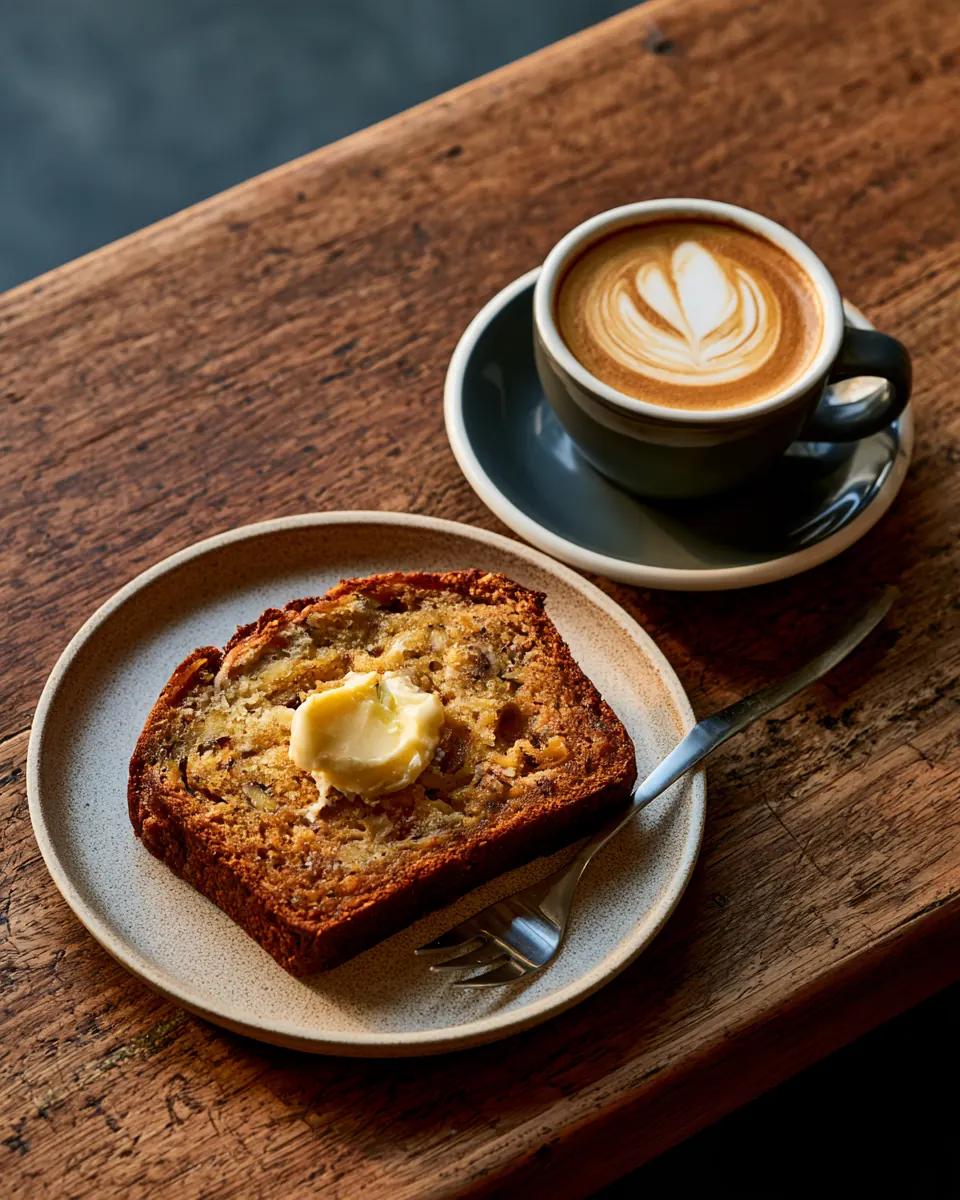
Banana bread, fresh out of the oven. Grab a slice while it lasts.
#bananabread #brisbanecafe


 Today 6:15pm
How it works
Placit does everything between taking the photo and the post going live: the caption, the hashtags, the channels and the timing. Your only job is to approve it.
Instagram Facebook GoogleBanana bread, fresh out of the oven. Grab a slice with your flat white while it lasts.
#bananabread #brisbanecafe #flatwhite
Nothing posts till you say so
Pick your colour. Every Placit is yours.
Three steps
Take the photo, or pick one from your camera roll.
Want a price or a time in the caption? Tap a tile like Special or What's on, or hold to talk: "lamb shoulder, twenty-eight bucks, on till ten."
Placit writes the caption and hashtags the way you write, and shows you the post.
You see exactly what will go up and where. Hold the caption to fix a detail. Nothing posts till you tap Approve.
It goes up on Instagram, Facebook and Google, each at its best time.
Placit holds it in Coming up and sends it when your followers are online. You never pick a time and never see a calendar.
Written the way you write
Placit reads your past Instagram, Facebook and TikTok posts to learn how you've posted before: length, tone, emoji, hashtags and sign-offs. It learns the style, never copies the words.
Every approval makes it sharper. No history? It starts with a style that suits your type of business and learns from there.
What Placit learned
Learned from
Timing, worked out for you
Placit reads your own Instagram and Facebook insights, finds when your followers are online, and posts at the peak for each channel. Approve it once and Placit does the rest.
Today 6:15pm
Today 7:30pm
Tomorrow 9:00am
Several at once? Pick up to ten photos, swipe through approving each one, and Placit spreads them across the week. More on the best time to post
On your desk too
Back from a shoot with 40 photos? Open Placit on your computer, pick the business you're posting for, and drag them all in. Placit writes a caption for each, shows which accounts it will post to, and the best time for each one. Enter to approve, Tab for next. A week of posts in about ten minutes.
Posting for
Connected accounts
Instagram OnFacebook OnGoogle OnTikTokStyle onlyDrop photos
Corner Café
Banana bread, fresh out of the oven. Grab a slice while it lasts.
#bananabread #brisbanecafe
Today 6:15pm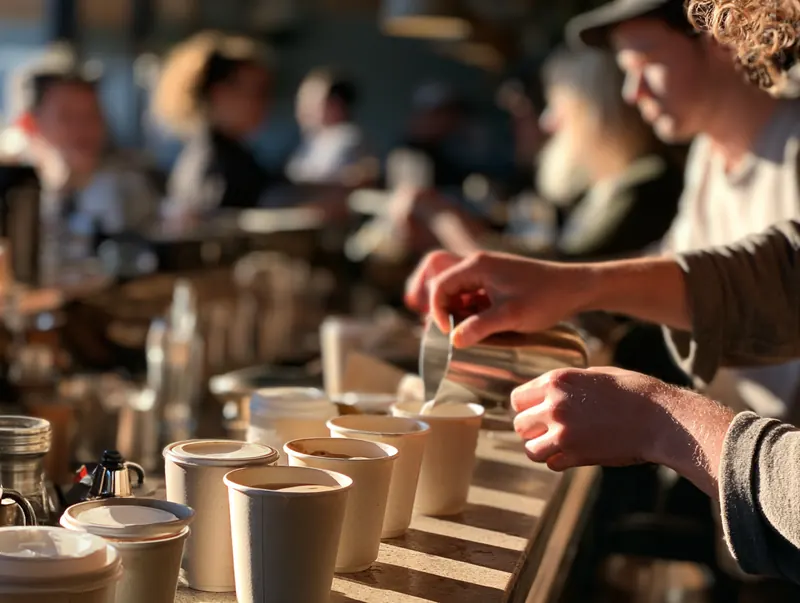
Lunch rush, sorted. Thanks for waiting, legends.
#cafelife #lunchtime
Today 12:05pm
New menu is up. Come and try the spring bowls.
#newmenu #springmenu
Tomorrow 7:30am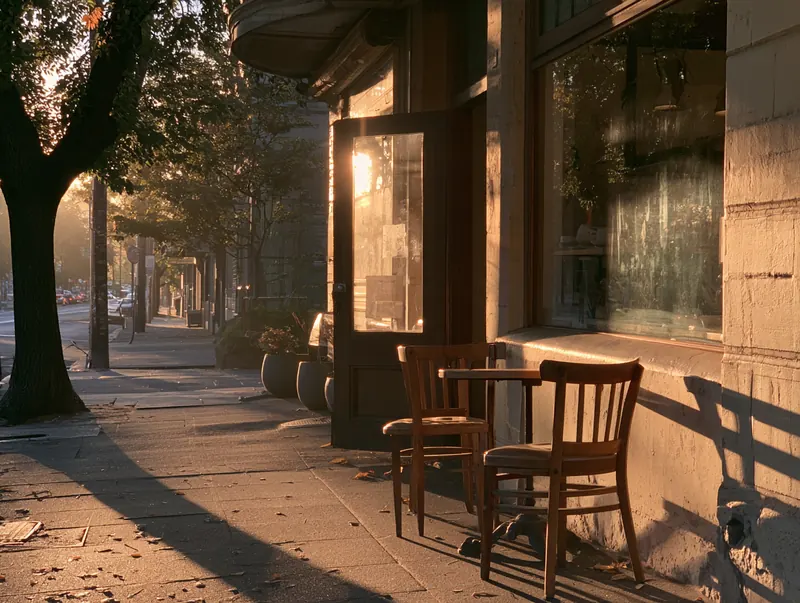
Doors open at 7. Coffee's on.
#morningcoffee #localcafe
Sat 6:45amComing up, each at its best time
Worked out from when your followers are online
Lunch rush, sorted. 12:05pm 12:30pm 1:00pmDoors open at 7. Sat 6:45am Sat 7:10am Sat 8:00amSwipe to see the whole screen. Try it: switch businesses in the top left. Each one has its own accounts, style and Coming up list.
Switch between every business you post for. Each keeps its own style and accounts.
Log in to Instagram, Facebook, Google and TikTok one time per business. No passwords stored.
Every photo gets a caption and a best time per channel. You just approve.
One library, phone and desk. Every photo lives in the cloud, sorted three ways: Not posted yet, Coming up and Posted. Anything in Posted can go up again.
If one channel can't be reached, the rest still post and Placit retries the other by itself. No error codes, nothing to fix.
Hold the shutter for a clip of up to 30 seconds. Placit watches and listens, so 'live music Friday from seven' ends up in the caption, and adds subtitles when someone's talking. Posts as a Reel and a Facebook video.
Let staff snap. Choose whether they post themselves or send it to you to approve.
During the beta: photos now, video soon.
No. Nothing posts till you tap Approve.
No. Placit writes the caption. You can tap a tile or hold to talk to add a price or time, and hold the caption to fix a detail.
Instagram (feed and Story), Facebook Pages and Google Business Profile. On Google, Placit adds your photo to your Google listing and posts it as an Update, so your profile stays fresh. Google joins during the beta.
Yes. Placit reads your past Instagram, Facebook and TikTok posts to learn how you've posted before: length, tone, emoji, hashtags and sign-offs. It learns the style, never copies the words, and every Yes makes it sharper.
After you approve it, at the best time for each channel. Usually within hours.
Yes. Placit runs in your phone's browser and on your computer. Add it to your home screen and it works like an app.
Yes. Each one has its own style and channels in one account.
No. You log in with Instagram, Facebook and Google directly and can disconnect any time.
Not yet. Placit reads your past TikTok posts to learn how you write. Posting to TikTok will come after video.
One simple monthly price per business with a free trial. Beta members get founding pricing.
"Hi, I'm Chris. Pleased to meet you. I'm building Placit for my daughter, who's at uni and posts for the venues she works with. She needs something quick enough to fit between shifts and lectures. If it works for her, I reckon it'll work for you too. Join the beta and help me get it right."
Be first in the beta, help shape Placit, and get founding-member pricing.
Founding members get early access and founding-member pricing.